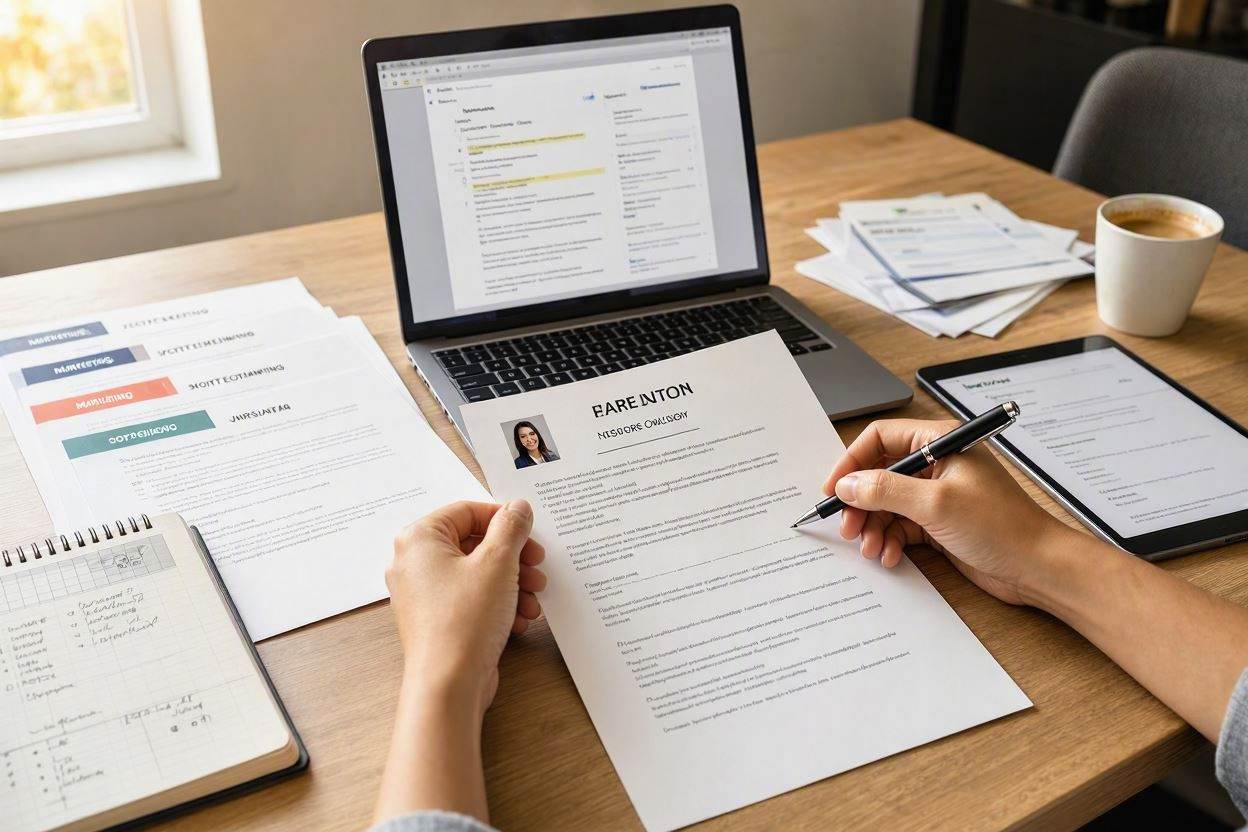
If you’re currently unemployed or actively looking for a new role, you know the drill: You wake up, open LinkedIn Jobs, find 15 interesting roles, and realize that customizing a separate Word document for each one will take 8 grueling hours.
By job application #4, decision fatigue sets in. You start sending generic resumes again out of sheer exhaustion.
There is a much better way. In this guide, we’ll share the "Master Resume Strategy" to spin off targeted, ATS-optimized resume variations for 20+ applications in under 20 minutes using AI chat.
- Build 1 Master Resume: Create one comprehensive document containing all your past accomplishments, skills, and certifications.
- Use AI to branch out: Chat with AI to duplicate and pivot your Master Resume for different job titles (e.g., Product Manager vs. Scrum Master).
- Automate keyword swaps: Let AI replace industry jargon automatically in 15 seconds per application.
1. Why Mass Customization Is Essential in 2026
In today's job market, job titles vary wildly between companies. Company A calls the role "Customer Success Manager", Company B calls it "Client Relationship Lead", and Company C calls it "Account Manager".
If you send a "Customer Success" resume to an "Account Manager" posting, the ATS software assumes you lack sales background and lowers your score. Customizing your document for each title is non-negotiable.
2. The "Master Resume" Strategy
Instead of creating new documents from scratch, create a single Master Resume on ABCD Resume that lists:
- All 10-15 bullet points across your past roles.
- Every software tool, coding language, or methodology you've ever touched.
- All degrees and certifications.
Your Master Resume is your personal career database. You won't send this monster document to employers—you'll use AI to slice it into laser-focused 1-page versions.
3. Rapid AI Pivoting in 3 Simple Steps
- Duplicate Your Master Resume: Hit "Duplicate" in your dashboard.
- Open AI Chat & Paste Job Ad: Instruct the Agent: "Pivot this document for a [Target Job Title]. Remove irrelevant bullet points, highlight matching hard skills, and keep it strictly on 1 page."
- Export PDF: Click download. Name the file
your_name_[company_name]_resume.pdf.