You are on your lunch break, riding the transit train, or relaxing between shifts when you discover an urgent job opening on Indeed or LinkedIn that expires tonight. The application requires an immediate PDF resume upload.
You don't own a laptop, your desktop PC is broken, and visiting the public library just to format a Microsoft Word document isn't an option.
Here is the modern hiring reality: Over 68% of initial job applications are now submitted directly from smartphones.
You do not need a desktop computer or expensive graphic software to build a world-class resume. With modern mobile-first web builders, you can dictate your work history using voice-to-text, let an AI Agent format professional bullet points, and download an ATS-compliant PDF directly to your iPhone Files or Android Downloads folder in under 180 seconds.
- Avoid Mobile Word Processors: Editing margins, tab stops, and bullet indents on Microsoft Word or Google Docs mobile apps is frustrating and causes layout overflow.
- Use Voice-to-Text Dictation: Speak your raw daily duties directly into your phone microphone and let AI transform them into quantifiable corporate achievements.
- Auto-Balancing Mobile Web Engine: ABCD Resume runs directly in mobile Safari/Chrome, automatically fitting your content onto 1 clean page without app downloads.
- Direct Mobile File Integration: Save single-layer vector PDFs straight to your smartphone storage for 1-tap uploads on Indeed, ZipRecruiter, and company portals.
1. The Mobile Job Hunt: Why You No Longer Need a PC
A decade ago, designing an executive resume required desktop software, precise tab margin rulers, and specialized fonts. Opening a document on a phone resulted in misaligned margins and broken text blocks.
In 2026, web-based mobile builders handle all typography geometry programmatically. You simply type (or speak) your work history into mobile-optimized form fields, and the engine compiles an ATS-verified vector PDF in real-time.
2. Why Mobile Word, Google Docs & Canva Fail on Phones
1. Virtual Keyboard Screen Blocking: The mobile on-screen keyboard covers 60% of your display, making it impossible to see where your page breaks occur in Word.
2. The Accidental 2-Page Spillover: Adding a single line in Google Docs pushes your contact footer onto an empty second page without warning.
3. Canva Mobile Export Issues: Canva exports mobile graphics as flattened raster images that get instantly rejected by Workday and Greenhouse ATS parsers.
3. Mobile Resume Creation Methods Compared
| Method / App | Mobile UX & Ease | ATS Compliance | Avg Creation Time |
|---|---|---|---|
| Microsoft Word Mobile | Difficult (Margin glitches) | Moderate | 35–45 Minutes |
| Canva Mobile App | Moderate (Small touch targets) | Poor (Raster / Image layers) | 25–35 Minutes |
| ABCD Resume Web App | Effortless (Voice + AI) | 100% (Vector PDF Engine) | Under 3 Minutes |
4. The 3-Minute Voice-to-Text Mobile Flow
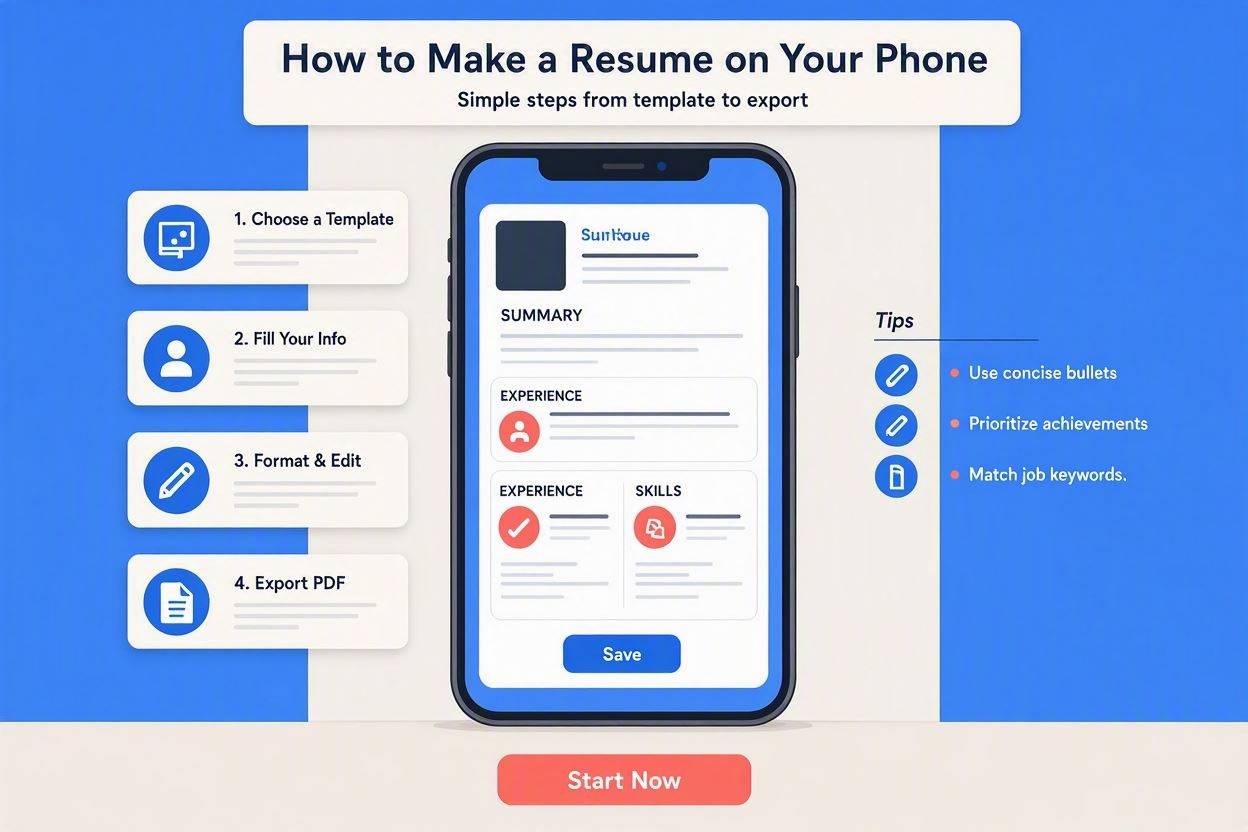
- Step 1: Open Mobile Browser: Navigate to ABCD Resume in Safari or Chrome.
- Step 2: Voice Dictate Work History: Tap the microphone icon on your smartphone keyboard and speak your past responsibilities naturally.
- Step 3: AI Polish & Keyword Matching: Tap the AI Rewrite button. The Gemini AI Agent instantly restructures your spoken draft into high-impact Google XYZ bullet points with action verbs.
- Step 4: 1-Tap Vector PDF Download: Save the file directly to your smartphone's storage.
5. Real Before & After Comparisons
6. 1-Tap Mobile Job Application Guide
Once your PDF is downloaded on your smartphone:
- On iPhone (iOS): Your PDF saves to the native Files app > Downloads. When applying on Indeed or Safari portals, tap Upload Resume > Choose Files > Select your resume.
- On Android: Your file is stored in My Files > Downloads. Tap Attach Document > Downloads in any mobile browser application.