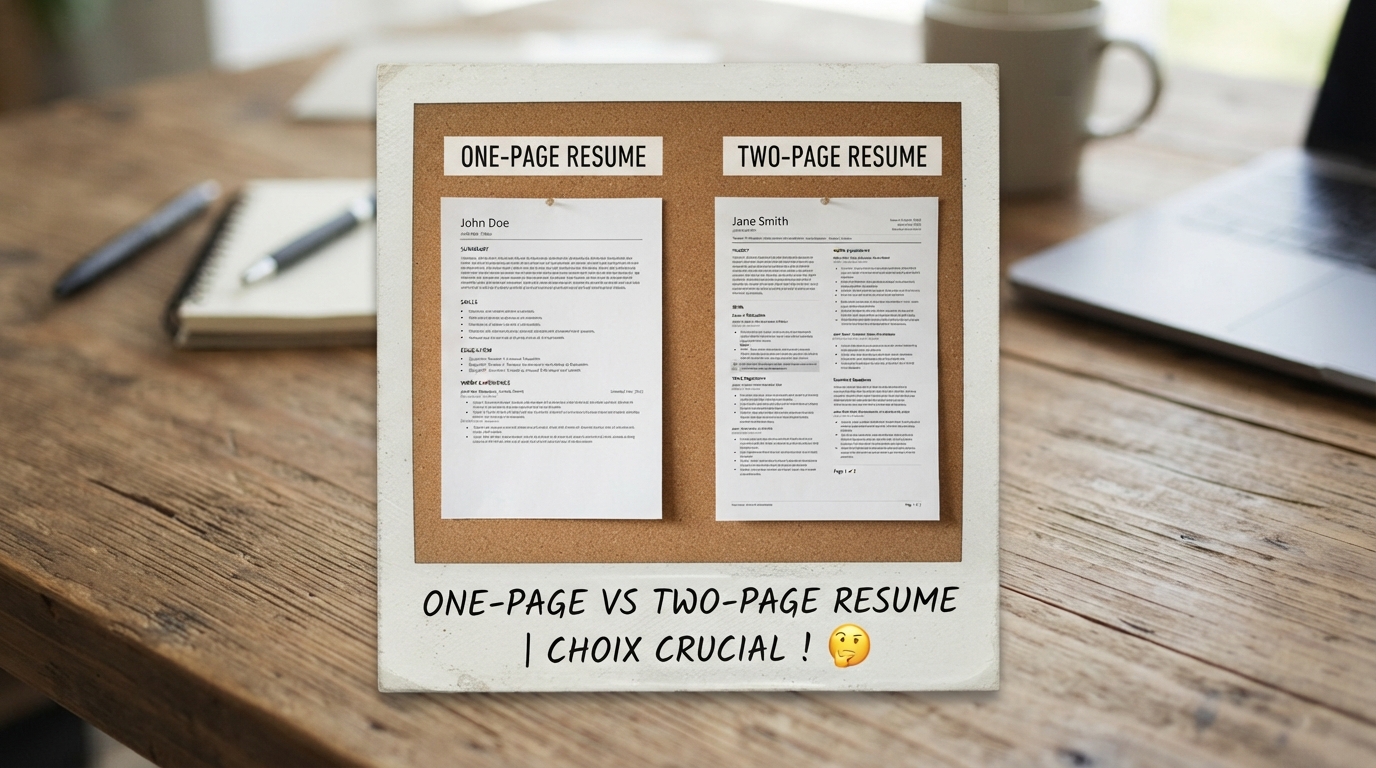
Ask five different hiring managers about resume length, and you will receive five contradictory answers: "Never exceed a single page under any circumstances!" vs. "A two-page resume shows executive depth and technical seniority!"
So what is the truth in 2026?
The reality is clear: Both answers are correct—depending entirely on your career stage and the density of your quantifiable achievements.
What recruiters universally despise is not a two-page resume; it is the 1.25-page "Spillover Disaster"—a document where page 1 is crammed with text and page 2 contains four lonely bullet points.
In this definitive guide, we will provide the official Recruiter Decision Matrix for resume length, explain when a two-page document is preferred, and give you 7 proven layout techniques to fit your career history cleanly onto a single page.
- 0 to 5 Years Experience: Strictly 1 Page. Forcing entry-level history onto 2 pages signals an inability to curate relevant information.
- 6+ Years Experience / Senior & Tech Roles: A structured 2-Page resume is standard and expected by hiring managers.
- The Cardinal Rule of Page Budgets: A resume must be either 100% of 1 page or 100% of 2 pages. Never leave an awkward 1.25-page spillover.
- Never Shrink Fonts Below 9.5pt: Tiny micro-fonts make your document illegible on recruiter screens. Use content pruning and structural formatting instead.
1. The Length Debate: What Recruiter Eye-Tracking Studies Reveal
Data from recruiter eye-tracking studies (including landmark research from Ladders and Jobvite) reveals how hiring screeners digest multi-page documents:
- First Pass (6–8 Seconds): The recruiter scans your top header, professional summary, most recent job title, and core skills on Page 1.
- Second Pass (30–45 Seconds): If Page 1 passes the relevance test, the recruiter flips to Page 2 to inspect career progression, older leadership milestones, and education.
If your first page fails to hook the reader with high-impact metrics, they will never look at Page 2. Every square inch of Page 1 must deliver maximum value.
2. The 2026 Recruiter Decision Matrix
| Experience Level | Recommended Length | Rationale & Exceptions |
|---|---|---|
| Students & Fresh Graduates (0–2 yrs) | Strictly 1 Page | Zero justification for 2 pages. Focus on degree, top coursework, internships, and technical projects. |
| Early Career Professionals (2–5 yrs) | 1 Page (Standard) | Demonstrates tight executive editing. Fits 2 past roles with 4–5 rich bullet points each. |
| Mid-Senior Professionals (6–12 yrs) | 2 Full Pages | Necessary to showcase progressive leadership, multi-year P&L impact, and technical stack evolution. |
| Senior Executives & Directors (12+ yrs) | 2 Full Pages | Cap experience at the 15-year window. Never exceed 2 pages for corporate business roles. |
3. The Deadly "Spillover Trap" and How It Destroys Applications
The worst mistake in resume formatting is the 1.25-page document.
When you export a resume that slightly spills over onto Page 2:
- It signals a lack of basic document design skills and visual editing discipline.
- In PDF viewers and ATS print previews, Page 2 looks awkwardly empty and unfinished.
- Important sections (like Education or Certifications) get pushed onto Page 2 alone where they get overlooked.
4. 7 Proven Techniques to Condense 2 Pages into 1 Page
If your draft is spilling over by 5 to 10 lines, use these 7 formatting techniques to pull everything cleanly onto Page 1:
- Eliminate "Orphan" Words: Look for bullet points where a single word wraps onto a second line. Reword the sentence to save an entire vertical line of whitespace.
- Weight Your Bullet Points by Recency: Your current role gets 4–5 bullet points; jobs from 3+ years ago only need 2 tight bullets.
- Merge Skills into Inline Tags: Replace a vertical list of skills with a clean, horizontal comma-separated or pill layout.
- Purge Outdated Fluff: Delete "References available upon request", high school mentions, and generic hobbies.
- Tighten Margins to 0.5–0.75 Inches: Standard Word margins are 1.0 inch; reducing margins to 0.6 inches instantly recovers 25% more usable canvas.
- Use Two-Column Header Layouts: Place contact details on a clean single line or split header rather than stacking them vertically.
- Use ABCD Resume's Dynamic Auto-Fit: Our smart templates automatically adjust line-height and margin ratios to fill an exact 1-page viewport.
5. When Is a 2-Page Resume NOT Just Allowed, But Preferred?
If you meet any of these criteria, a 2-page resume is the industry standard:
- Senior Software Engineers & Architects: You need adequate space to list languages, cloud frameworks, database architectures, and open-source contributions.
- Travel Nurses & Clinical Specialists: Listing multiple 13-week acute hospital rotations, EMR systems, and trauma ratios requires 2 pages.
- People Managers & Directors: Documenting cross-functional team scaling, P&L budgets, and multi-year restructuring programs cannot be rushed in 4 bullet points.
6. Real Before & After Formatting Comparisons
• Education pushed alone onto bottom of Page 2.
• Uneven margins and unedited text blocks.
• Concise, metric-driven bullet points.
• High visual impact and zero cognitive clutter.
7. AI Prompts to Condense Your Resume onto Exactly 1 Page
Inside the ABCD Resume AI Agent Chat or Claude, instruct:
"My resume draft is currently 1.25 pages long. Review the attached text and:
1. Trim wordy phrases and eliminate orphan words wrapping onto single lines.
2. Condense my older work experience into 2 high-impact bullets per role.
3. Ensure all bullet points follow active-verb + quantifiable metric formatting.
4. Format the final output so it fits strictly onto exactly 1 printed page."