It is Sunday night at 11:15 PM. You just discovered the exact dream job you’ve been looking for all year, and the application deadline closes at midnight. The problem? Your resume has not been updated since 2022, and the thought of opening Microsoft Word to wrestle with margin indentations makes you want to crawl under a blanket.
Here is a fundamental career secret: Laziness is not a flaw—it is an efficiency strategy.
The hardest-working job seekers spend 4 grueling hours tweaking font sizes, aligning spacing grids, and suffering from writer's block. The smartest (and delightfully laziest) job seekers let intelligent automation handle 95% of the heavy lifting.
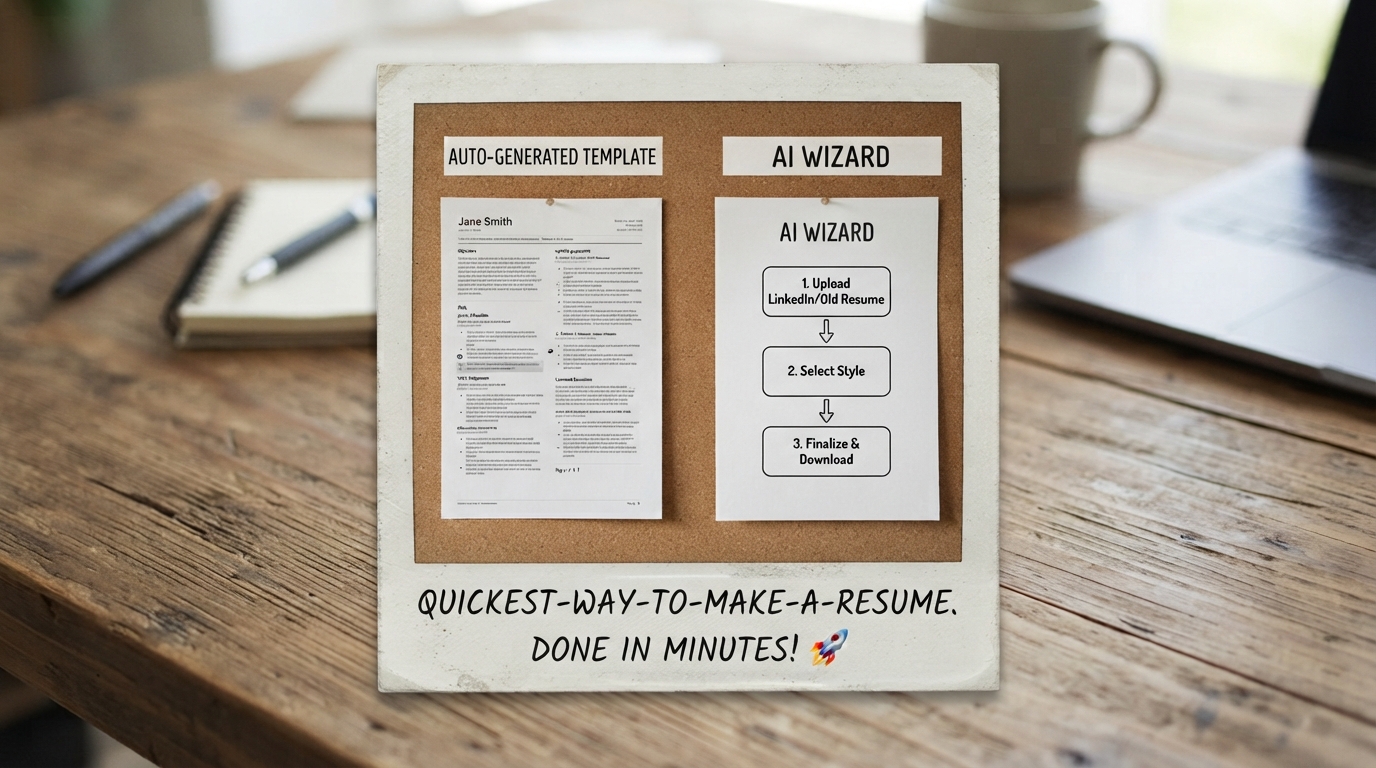
In this guide, you will discover the 4-Step "A-B-C-D" Method to go from raw brain-dump notes to a polished, ATS-compliant, recruiter-approved vector PDF in under 180 seconds.
- Automate the Data Entry: Import your LinkedIn URL or paste raw, unstructured bullet points instead of writing formal prose from scratch.
- Skip Manual Design Decisions: Use battle-tested, single-column ATS templates with pre-configured line heights and typography.
- Let AI Inject Power Verbs & Metrics: Transform sloppy duty descriptions into Google XYZ impact statements with 1 click.
- Export Pixel-Perfect Vector PDFs: Single-click export ensures 100% layout lock and automatic recruiter-compliant file naming.
1. In Defense of Laziness: Why Velocity Wins Job Searches
Modern hiring is a high-volume numbers game. Spending 3 hours manually formatting a single Word document is an atrocious return on your personal time.
When you automate resume structuring, typography, and copywriting:
- You can apply to 10 targeted roles in the time it used to take to apply to 1.
- You eliminate formatting burnout and decision fatigue.
- You reserve your mental energy for interview preparation and direct recruiter networking.
2. The 4-Step "A-B-C-D" Lazy Workflow
The A-B-C-D Blueprint:
A — Automate (The 30-Second Brain Dump):
Don't worry about complete sentences. Open ABCD Resume and paste your LinkedIn profile or dump raw notes (e.g., "I managed the marketing team, ran Facebook ads, spent $50K/mo, fixed email churn").
B — Beautify (Pick an ATS Template in 15 Seconds):
Select from pre-configured executive templates inspired by standards at Google, McKinsey, and Goldman Sachs. Margins, line-heights, and section dividers align automatically.
C — Customize (1-Click AI Polish in 45 Seconds):
Hit "AI Rewrite". Our Gemini AI Agent converts your raw bullet points into crisp, metric-driven accomplishments packed with high-converting action verbs.
D — Download (Instant Vector PDF in 10 Seconds):
Click Download. Your document is exported as a clean, ATS-compliant vector PDF named Firstname_Lastname_Resume.pdf ready for immediate upload.
3. The Cut-the-Fat Audit: 7 Outdated Items to Delete Immediately
If you want to finish your resume fast, stop writing things recruiters never read:
| Section to Delete | Why It Wastes Space | What to Do Instead |
|---|---|---|
| "References Upon Request" | Completely obsolete. References are requested post-offer. | Delete entirely. |
| Full Home Street Address | Privacy risk; mail is never sent during hiring. | List only City, State. |
| High School Diploma | Redundant if you have higher education or work history. | Delete entirely. |
| Generic Hobbies | Listing "Reading, traveling" provides zero hiring signal. | Replace with technical hard skills. |
4. Time Breakdown Comparison: Manual vs. AI-Powered Speed
• Staring at a blank screen: 40 mins
• Googling power verbs & metrics: 35 mins
• Formatting PDF alignment bugs: 25 mins
• Total Time: 2.5 to 3 Hours
• Select ATS-tested template: 15 secs
• AI Polish & metric injection: 45 secs
• Instant vector PDF export: 10 secs
• Total Time: Under 3 Minutes
5. Real Before & After Transformations
6. AI Speed Prompts for Rapid Generation
Open the ABCD Resume AI Agent Chat and paste this exact shortcut command:
"Turn my rough work history below into an executive, 1-page ATS resume for a [Target Job Title] role.
Transform every bullet point using active power verbs and realistic quantifiable metrics ($, %, time saved). Keep total document length strictly on 1 page.
Here are my rough notes: [Paste raw notes]"