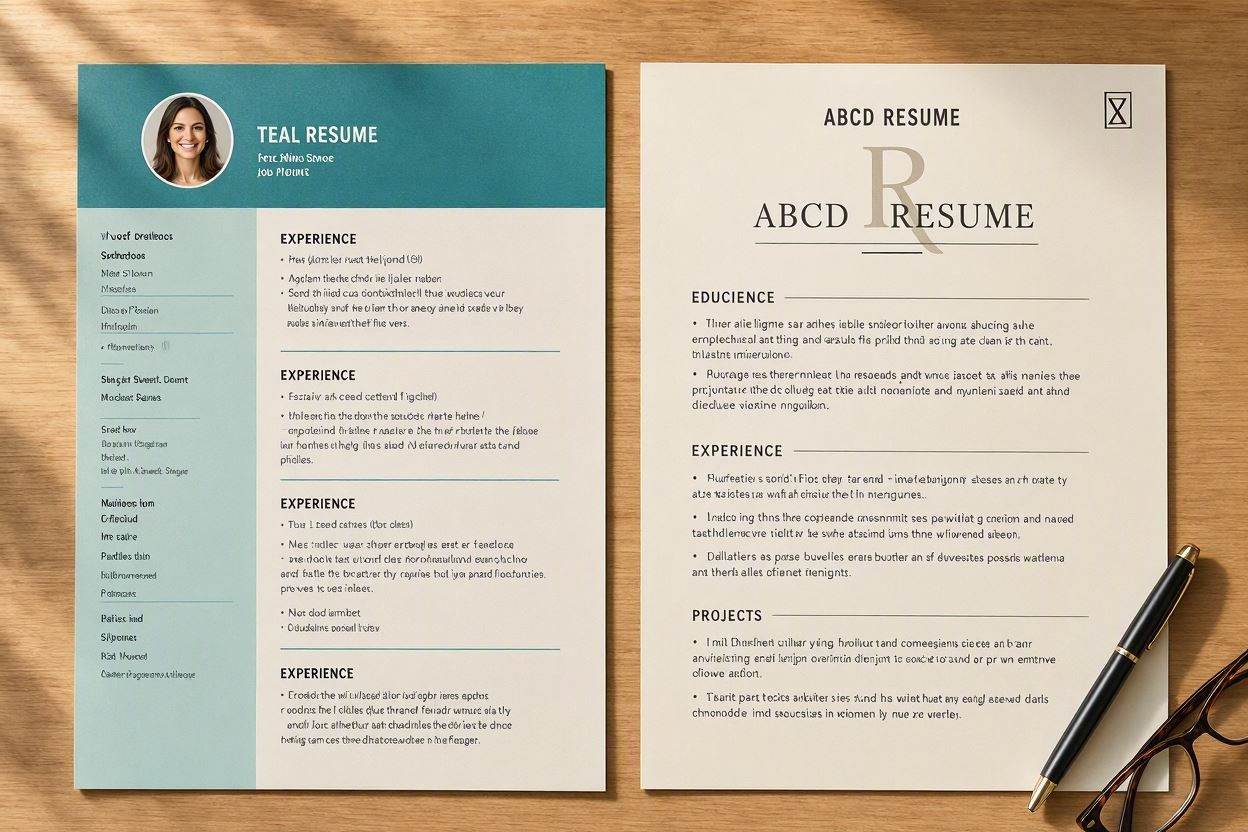
If you follow career influencers on TikTok, LinkedIn, or YouTube, you have undoubtedly seen promotional videos for Teal (TealHQ).
Teal has built a solid reputation as an all-in-one job search management ecosystem. It offers a browser extension, a Kanban board application tracker CRM, contact management databases, and an AI resume builder module.
However, for the vast majority of job seekers who simply want to create, tailor, and download an ATS-compliant PDF resume in under 5 minutes, Teal often feels like an enterprise software cockpit with excessive moving parts.
Between managing 40 different job tracker cards, installing browser extensions, toggling endless nested menus, and confronting the $29/month "Teal+" paywall to unlock unlimited keyword matching, candidates regularly experience "CRM Fatigue".
In this review, we will dissect where Teal succeeds, where its resume builder creates unnecessary labor, and why streamlined AI tools like ABCD Resume are winning in 2026.
- Teal Is a CRM First, Resume Builder Second: It excels at organizing 100 applications on a Kanban board, but introduces friction for fast resume editing and single-click exports.
- The $29/Month Subscription Ceiling: Essential features (full keyword gap analysis and unlimited AI bullet generation) are locked behind Teal+ at $29/month or $9/week.
- High Cognitive Overhead: Setting up browser extensions and tracking boards slows down your application velocity when applying to jobs on a tight deadline.
- The Streamlined Alternative (ABCD Resume): ABCD Resume focuses strictly on the 3-minute "A-B-C-D" workflow with conversational AI chat, 4 free credits, and zero CRM setup required.
1. What Is Teal (And Where Does It Actually Excel?)
To be completely fair: Teal is an outstanding Job Search CRM. If you are an exceptionally methodical job seeker who enjoys bookmarking jobs from LinkedIn, logging recruiters into a relational database, and moving candidate cards across a Kanban pipeline, Teal's interface is well-designed.
However, the moment you attempt to build and format a resume within their builder module, the workflow becomes cumbersome.
2. The 3 Big Pain Points of "CRM Fatigue"
The Main Sources of User Friction:
1. Multi-Step Dashboard Overhead: To tailor a resume in Teal, you must save the job with a Chrome extension, import it to your board, open the resume builder, link the job card, and toggle between 4 separate sidebars.
2. Clunky Layout & Page-Budget Adjustments: Adjusting margins, line spacing, and font paddings to fit your text cleanly onto a single page requires navigating rigid formatting menus.
3. Feature Bloat: Most job seekers do not need a full enterprise sales CRM; they need an interview-ready PDF resume delivered in under 180 seconds.
3. The $29/Month Teal+ Subscription Barrier
While Teal provides a basic free tier, the core capabilities required to win competitive applications are paywalled behind Teal+ ($29/month or $79/quarter):
- Unlimited AI bullet point rewrites.
- Comprehensive keyword gap analysis against job postings.
- Advanced template styling and color controls.
4. Side-by-Side Comparison: Teal vs. ABCD Resume
| Feature / Metric | Teal (TealHQ) | ABCD Resume (2026) |
|---|---|---|
| Core Product Philosophy | All-in-one Job Search CRM Tracker | 3-Minute High-Velocity Resume Builder |
| Setup Required | Chrome extension + CRM board setup | Zero setup (Paste LinkedIn/notes in browser) |
| AI Engine | Standard phrase assistant | Conversational Google Gemini AI Agent Chat |
| Pricing Structure | $29 / month (Teal+) | 4 Free Credits ($12/wk or $20/mo) |
5. Real Before & After Workflow Comparisons
• Bookmark job to Kanban board.
• Toggle between 4 builder menus.
• Total Time: 25–35 minutes per job.
• Chat with AI Agent to tailor in 45s.
• Instant single-click vector PDF download.
• Total Time: Under 3 minutes.
6. The 3-Minute Lazy Alternative for Fast Applications
If you want to apply for 10 jobs tonight without building an entire enterprise database:
- A (Automate): Open ABCD Resume and paste your LinkedIn profile or notes.
- B (Beautify): Select an ATS-guaranteed template inspired by Google and BCG design standards.
- C (Customize): Instruct the AI chat: "Tailor this resume for this job posting and optimize all bullet points with numbers."
- D (Download): Download your clean vector PDF instantly.