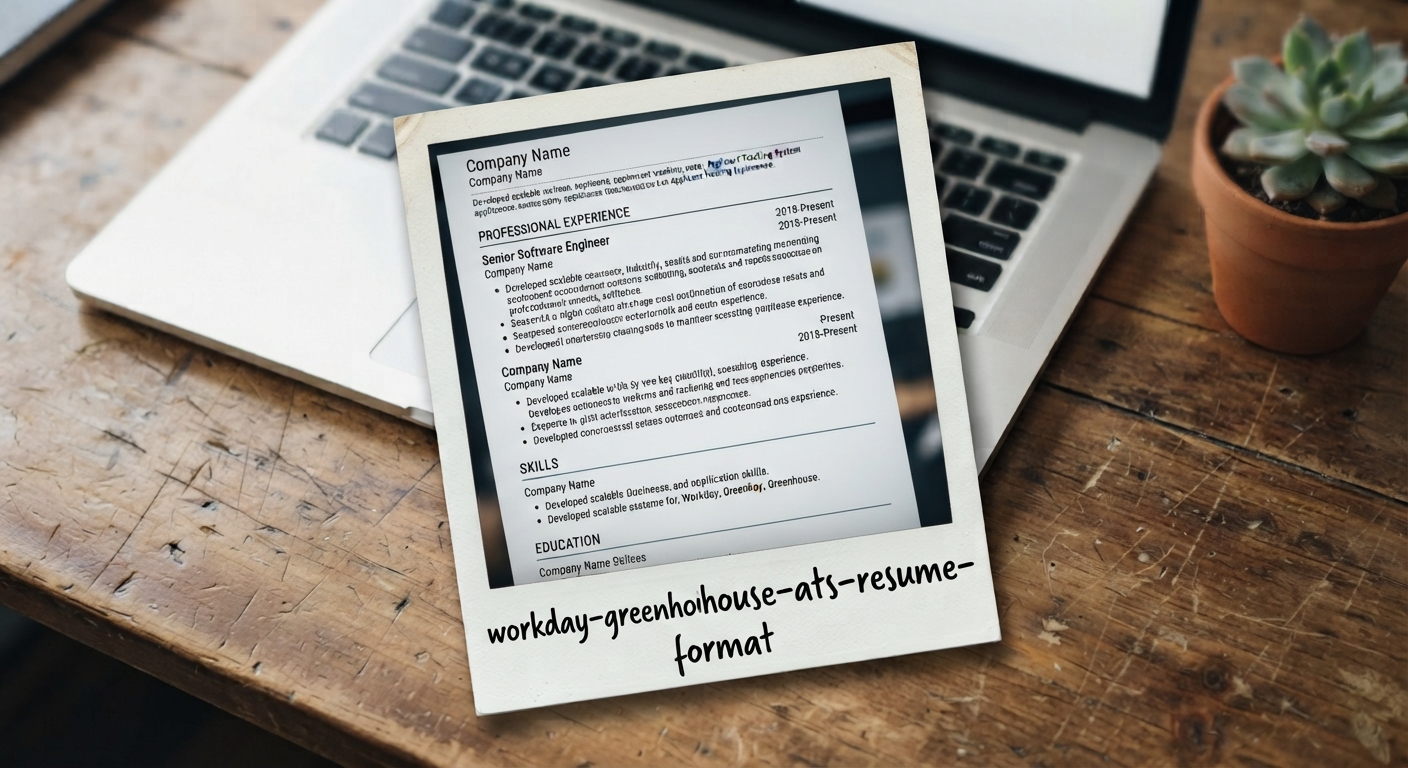
You spent three hours designing a visually stunning resume in Canva. It features a chic two-column layout, stylish icon graphics for your contact details, and colorful percentage sliders for your software skills. You submit it to a Fortune 500 job opening powered by Workday.
Exactly 8 minutes later, an automated notification lands in your inbox: "Thank you for your interest, but we have decided to pursue candidates whose qualifications more closely align with our needs."
A human recruiter never saw your application. An Applicant Tracking System (ATS) OCR parser attempted to read your file, choked on the multi-column image layers, scrambled your work history into unreadable gibberish, and automatically archived your profile into the digital rejection bin.
Over 98% of Fortune 500 enterprises and 85% of high-growth tech startups rely on ATS engines like Workday, Greenhouse, Taleo, Lever, and iCIMS.
In this comprehensive guide, you will discover the exact technical mechanics of modern ATS parsers, review the 5 fatal formatting errors that guarantee automatic rejection, and download 100% verified ATS templates.
- Vector PDFs vs. Raster Images: Never submit a flattened image PDF (Canva export). ATS software requires clean, selectable vector text streams.
- Single-Column Hierarchy: Multi-column sidebars cause parsers to read horizontally across columns, merging unrelated job duties together.
- Standard Header Semantics: Stick to universal section titles ("Work Experience", "Education", "Skills") so parsers map your data accurately.
- Never Put Contact Info in Word Headers: Many legacy enterprise parsers skip the top header/footer margin zones entirely.
1. How Workday and Greenhouse Actually Ingest Your Resume
When you upload a PDF or DOCX file to an online portal, the ATS does not look at your visual design. It executes an automated text extraction pipeline:
- Document Stripping: The software strips all fonts, colors, and styling into raw UTF-8 string text.
- Entity Extraction: Named Entity Recognition (NER) algorithms identify Job Titles, Company Names, Start/End Dates, and Skill Keywords.
- Scorecard Population: The ATS populates a structured database profile used by human recruiters to search and filter applicants.
If your document contains floating text boxes or unreadable graphic symbols, the parser extracts garbled fragments, causing your profile to fail mandatory screening criteria.
2. The 4 Major Enterprise ATS Platforms Compared
| ATS Platform | Primary Market | Parsing Strictness & Key Quirk |
|---|---|---|
| Workday | Fortune 500, Healthcare, Banking | Very Strict. Fails on tables, columns, and contact info in headers. |
| Greenhouse | Tech Unicorns, High-Growth SaaS | Modern parser. Handles clean vector styling well, but rejects image layers. |
| Lever | Startups, Mid-Market Tech | Flexible parsing. Emphasizes clean linear chronology and skill tags. |
| Taleo (Oracle) | Legacy Enterprise, Government | Extremely Strict. Ignores header/footer zones and non-standard date formats. |
3. The 5 Fatal Formatting Crimes That Crash ATS Engines
1. Multi-Column Tables & Sidebars: Parsers read left-to-right across the entire page, merging Line 1 of Column A with Line 1 of Column B into nonsensical sentences.
2. Skill Sliders & Progress Bars: Rating yourself "4/5 stars in Python" rendered as a visual CSS bar provides zero keyword credit to an ATS scanner.
3. Contact Info in Header/Footer Zones: Word document headers and footers are routinely stripped by older parsers, making you impossible to contact.
4. Flattened Image Exports: Saving your resume as a rasterized JPG or PNG inside a PDF makes the entire document invisible to text scanners.
5. Non-Standard Section Titles: Creative titles like "My Superpowers" instead of "Skills" are discarded by categorization algorithms.
4. The Golden Rules for ATS Compliance in 2026
- Use Universal Web Typography: Stick to high-legibility sans-serifs (Plus Jakarta Sans, Inter, Arial, Helvetica) or executive serifs (Merriweather, Georgia).
- Standardize Date Formats: Format dates consistently as
MM/YYYY – MM/YYYYorMonth YYYY – Month YYYY(e.g., 04/2021 – Present). - Single-Layer Linear Layout: Keep your body flow in a clean single-column hierarchy that reads naturally from top to bottom.
- Export Single-Layer Vector PDFs: Ensure text can be highlighted and copied with your cursor.
5. Real Before & After Comparisons
• Skill bars rendered as raster icons.
• Workday Parsing Pass Rate: 22% (Failed)
• Selectable text with semantic headers.
• Workday Parsing Pass Rate: 100% (Passed)
6. The 10-Second Plain-Text Validation Test
Before uploading your resume to Workday or Greenhouse, perform this 10-second check:
- Open your exported PDF in Adobe Acrobat, Chrome, or Edge.
- Press
Ctrl + A(orCmd + Aon Mac) to select all text. - Press
Ctrl + Cand paste the text into a blank Notepad document.
If your job titles, dates, and bullet points appear in logical chronological order with zero missing words, your resume will pass 100% of modern ATS parsers.